
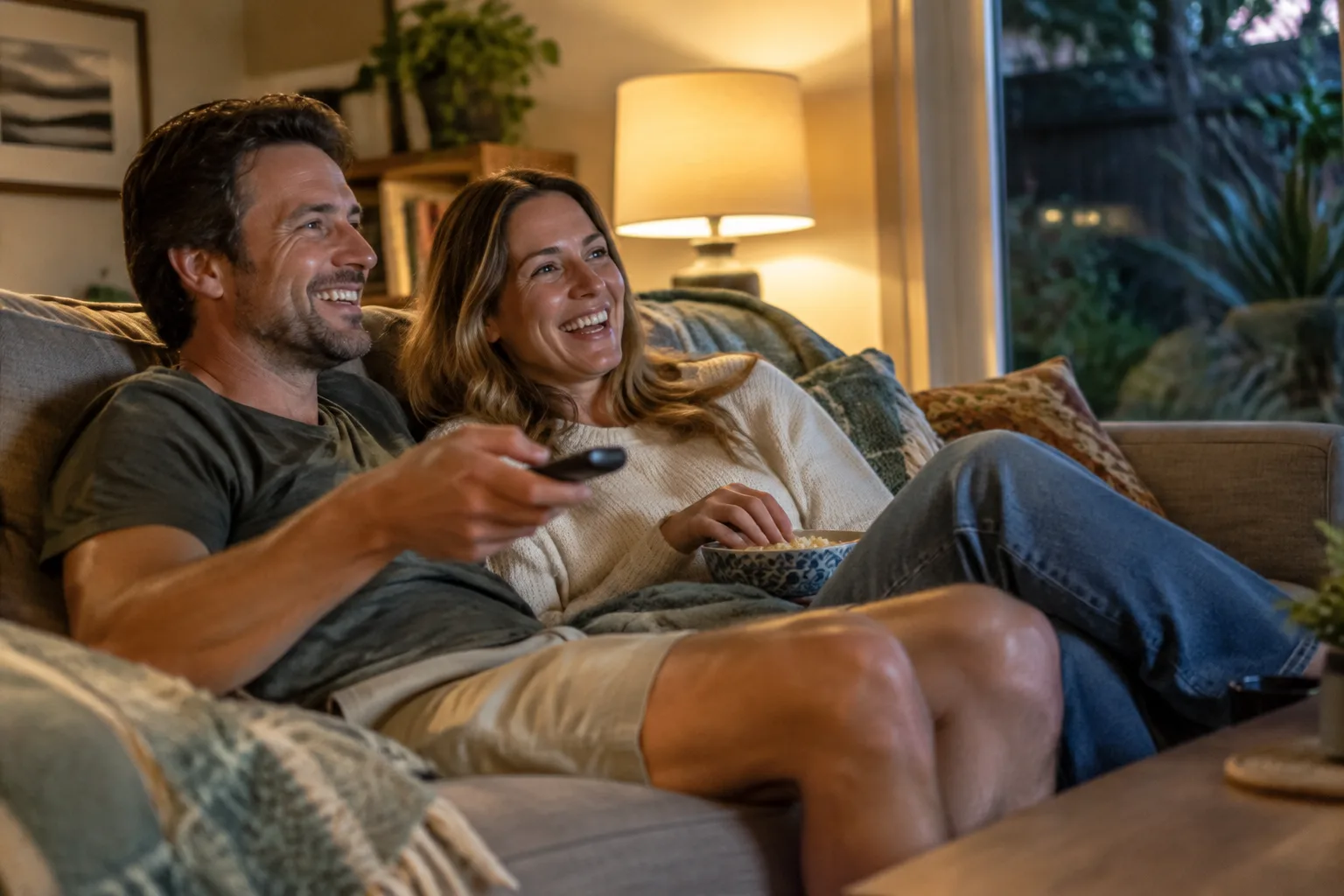
Picture a quiet evening. The TV is on at a volume that's comfortable for you, but a touch loud for the person next to you. Or your phone rings while you're mid-chore and you'd rather not fumble for the handset. Streaming, where sound travels straight from a device to your hearing aids, is designed for moments like these.
If you're wondering how it works, whether it's for you, and what you might need, this post covers the basics. We've used Healthdirect, Hearing Australia's accessories page, and the Bluetooth Special Interest Group for the details. These describe what the sources say, and your own experience will depend on your hearing aids, your phone and your TV. Hearing aid fittings at Hearing Help are for adults.
What "streaming" means
Streaming means audio is sent wirelessly from a source, like your phone or TV, directly into your hearing aids rather than coming through a speaker. Healthdirect lists "smartphone streaming directly into your hearing aids" among the special features hearing aids may have, along with remote and wireless control and different settings for different environments.
Not every hearing aid does this, and the way it works varies between models, so it's one of the first things to ask about if it matters to you.
Streaming from your phone
Hearing Australia's accessories page lists audio streaming as an accessory option: wirelessly connecting your hearing aids to compatible Bluetooth devices to deliver sound directly to your hearing aids.
Things worth knowing:
- Compatibility matters. Whether your hearing aids work with your phone depends on both. Check your device's settings and your hearing aid manual for pairing steps, or ask us. Ask your audiologist whether your specific phone works with the specific hearing aids you're considering.
- Styles differ. Healthdirect says the smallest in-the-ear hearing aids may be less powerful and have fewer features than bigger ones, so features such as streaming can depend on the style you choose.

Streaming from your TV
TV is where many people look for help at home. Hearing Australia's accessories page lists TV transmitters, which deliver TV sound straight to a compatible hearing aid. Whether you need one, and which one, depends on your hearing aids and your TV.
If you're considering this, a few practical questions help:
- Which accessory do I need for my TV, and is it included or sold separately?
- Does my TV have the audio output the accessory connects to?
- Can others in the room still hear the TV speakers while I'm streaming, and can I control my own volume?
- What happens if I leave the room? Does the sound follow me?
These are the details that decide whether streaming becomes part of your routine or a gadget you never get around to using. Ask for a clear answer on the accessory before you commit.
Calls and meetings
Hearing Australia lists remote microphones, which are for noisier places. If video calls with the grandkids or work meetings are a big part of your week, ask whether your hearing aids can handle them directly or need an accessory.
Auracast: sharing one broadcast
You may see Auracast mentioned. The Bluetooth Special Interest Group says Auracast broadcast audio lets an audio source broadcast streams to an unlimited number of receiving devices, and describes uses such as hearing a television in a public space.
It only works when both your hearing aids and the venue support it, so it's one to ask about rather than assume. It's an emerging feature, and what's available near you may change over time.
Charging and battery life
Streaming uses power. Hearing Australia notes that rechargeable hearing aids go in the charger each night so they're ready for the next day. Ask any provider how long a charge lasts with the sort of streaming you'd do, since a long evening of TV and a couple of hours of calls is a different day from a quiet one.
Streaming isn't for everyone, and that's fine
Some people love it, some barely touch it. A few reasons you might skip it:
- You mostly talk to people face to face and rarely use the phone.
- You'd rather keep things simple, with fewer features to manage.
- You find the TV works well enough at the moment.
Healthdirect makes the point that the right choice depends on your type of hearing loss, lifestyle, budget and preferred style. Streaming is one factor among many, and a hearing assessment is the way to start working out what you actually need.
Questions to take along
- Which streaming features does this model have, and which need accessories?
- Is my phone compatible?
- How do I control volume and switch between sources?
- What does the total cost look like, including accessories?
- Who do I contact if streaming drops out or won't connect?
Cost and funding differ between providers and from person to person, so ask us when you book. If you're thinking about subsidised services, eligible Australians may access them through the Hearing Services Program, and conditions apply under the Australian Government Hearing Services Program. You can check your eligibility on the Department of Health, Disability and Ageing's Hearing Services Program page at health.gov.au/our-work/hearing-services-program.
If something changes suddenly
If you notice a sudden change in your hearing, or you have ear pain, discharge, bleeding or dizziness, don't wait for a hearing appointment. See your GP or go to an emergency department the same day.
A first step
Before you think about phones, TVs and accessories, it helps to know how you're hearing now. If you'd like to talk it through, book a hearing assessment with Erin at Hearing Help (Newport Marketplace) through our website, www.hearinghelpredcliffe.com.au. Our clinic is at Newport Marketplace.